

















This guide explains how to activate Toppal Voice on a compatible Android head unit, how to choose the correct Standard or Pro option, and when you need a Codice di attivazione vocale Toppal instead of an app package.
Supporto all'attivazione di FixMyDash: FixMyDash supplies Toppal Voice activation codes, provides activation instructions for the installed app version, and reviews app-package compatibility when Toppal Voice is missing. We do not publish a universal APK or guarantee that every Android head unit can install Toppal Voice.
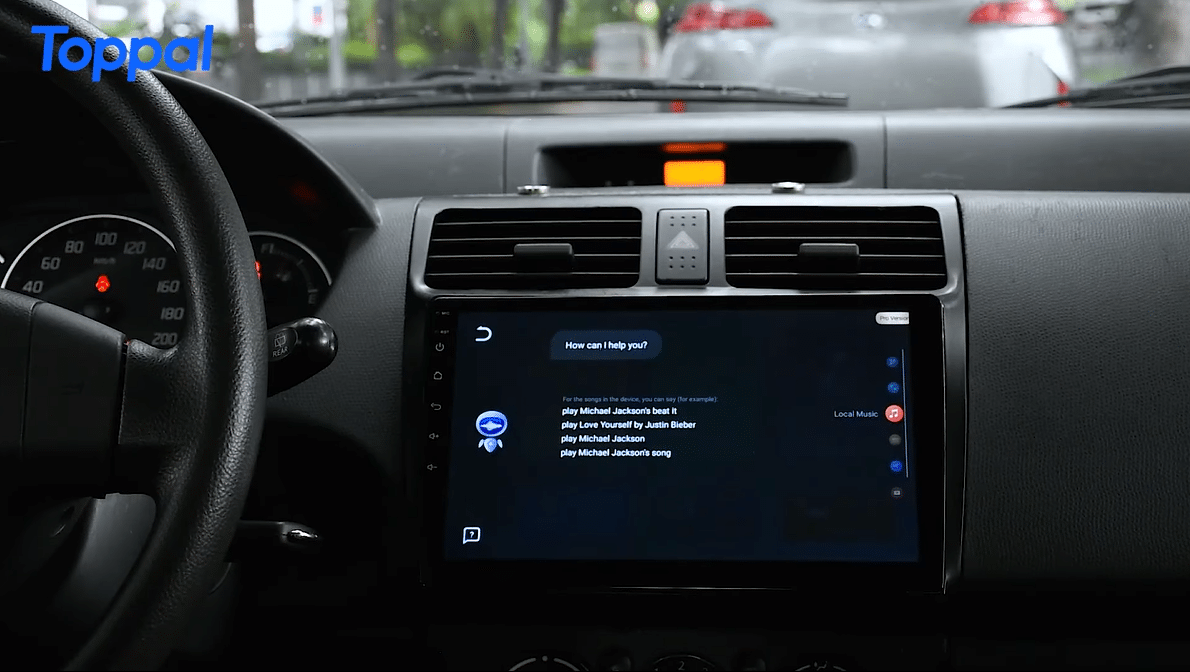
Choose the Correct Toppal Voice Route Before Ordering
Before you buy a Toppal Voice activation code, check whether the compatible app is already installed. The activation code and the app package are separate services.
Acquista un codice di attivazione
Scegli questo percorso quando Toppal Voice si apre normalmente e richiede l'attivazione Standard o Pro.
Acquista il codice di attivazioneRequest an app package review
Do not buy a code first when the app disappeared after a reset or was never installed.
Verifica la compatibilità del pacchetto dell'appApri la risoluzione dei problemi
Usa la guida alla risoluzione dei problemi quando l'app è attivata ma non risponde o non può controllare le funzioni supportate.
Toppal Voice non funzionaChecks Before You Activate Toppal Voice
Confirm the app is ready
- Open the Toppal Voice app.
- Confirm that it shows an activation request or activation page.
- Check the selected language.
- Confirm that the microphone works in another app.
Do not continue when the app is missing
- Do not install a random APK from another head unit.
- Do not assume the Android version confirms compatibility.
- Do not buy an activation code before package compatibility is reviewed.
- Use the FixMyDash installation-package review page instead.
If the app, background component or language resources are missing, the motherboard and firmware must be reviewed before a compatible package can be requested.
Metodi di attivazione vocale Toppal
The available activation method depends on the installed Toppal Voice version. FixMyDash supplies the applicable instructions with the purchased activation option.
Attivazione tramite nome hotspot
Alcune versioni utilizzano il nome dell'hotspot del telefono come codice di attivazione. Il nome dell'hotspot deve corrispondere esattamente al codice fornito.
Inserimento manuale del codice
Alcune versioni forniscono una pagina di attivazione in cui il codice viene inserito direttamente all'interno di Toppal Voice.
Attivazione specifica della versione
Other packages may use a different route. Follow the instructions supplied for the installed app version instead of copying another device’s method.
Come attivare Toppal Voice su un’unità principale Android
- Apri Toppal Voice Confirm that the compatible app is already installed and displays an activation request.
- Scegli Standard o Pro Select the activation option that matches the installed app version and required functions.
- Buy the Toppal Voice activation code Purchase the correct Toppal Voice license code from the FixMyDash product page.
- Prepare the Android head unit Connect to the internet and confirm the correct date, time, language and microphone status.
- Segui il metodo di attivazione fornito Use hotspot-name activation, manual code entry or the specific method supplied for the installed version.
- Wait for confirmation Keep the head unit online until the activation status changes or the app confirms success.
- Riavvia e verifica Restart if instructed, then test wake-up, microphone, navigation, music and calling functions where supported.
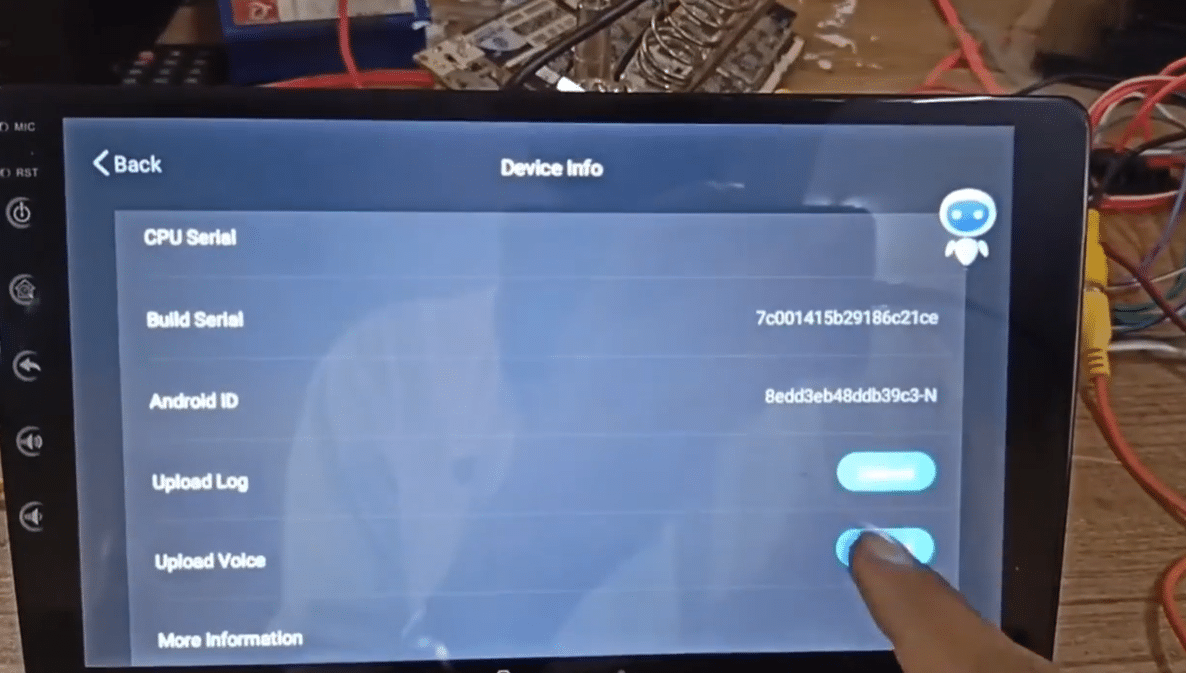
How Hotspot-Name Activation Works
Use these steps only when the instructions supplied with your activation option specifically require hotspot-name activation.
- Enable the phone hotspot Use a stable phone data connection and keep the hotspot visible.
- Set the hotspot name to the activation code Enter the exact characters with no added spaces.
- Usa 2.4 GHz quando necessario Alcune unità principali Android non possono rilevare un hotspot solo 5 GHz.
- Connect the head unit Keep the Android head unit connected until Toppal Voice confirms activation.
Attivazione di Toppal Voice non riuscita
Controlla il codice di attivazione
- Confirm the Standard or Pro version.
- Check every letter and number.
- Rimuovi gli spazi prima e dopo il codice.
- Do not reuse one code across multiple devices.
- Contact FixMyDash with the order number if the code status is unclear.
Check the device and network
- Verifica che l'accesso a Internet funzioni in un'altra app.
- Imposta la data e l'ora corrette.
- Confirm the app version matches the purchased option.
- Restart the head unit after changing network settings.
- Non acquistare un altro codice prima che il primo ordine venga verificato.
Codici di attivazione vocali Toppal in blocco per installatori e rivenditori
FixMyDash supports Android head unit installers, car stereo dealers, resellers, repair shops and multiple-device customers who need bulk Toppal Voice activation codes for supported units.
Bulk requests are reviewed separately because the installed app version, platform, language and activation route may differ between devices.
Domande frequenti
How do I activate Toppal Voice?
Confirm that the compatible app is already installed, purchase the correct Standard or Pro activation code, connect the head unit to the internet and follow the activation method supplied for the installed version.
Can I buy a Toppal Voice activation code if the app is missing?
Do not buy the activation code first. Request an app package compatibility review because the motherboard, firmware and available Toppal package must be checked.
Does every Toppal Voice version use hotspot-name activation?
No. Alcune versioni usano l’attivazione tramite nome hotspot, alcune l’inserimento manuale del codice e altre possono usare un metodo specifico per la versione.
Can one Toppal Voice code activate multiple Android head units?
No. Each supported device normally requires its own activation code. Installers and dealers can request a bulk quote for multiple units.
Perché il mio codice di attivazione è stato rifiutato?
Le cause comuni includono una versione Standard o Pro errata, errori di caratteri, spazi, problemi di rete, data e ora non corretti, una versione dell’app incompatibile o un problema di stato del codice.
Gli installatori possono acquistare più codici di attivazione Toppal Voice?
Yes. FixMyDash accepts bulk requests from installers, dealers, repair shops, resellers and multiple-device customers. Quantity, version, language and app status should be provided before quoting.
What should I test after activation?
Test the wake method, microphone, navigation, music, calling and restart persistence where those functions are supported by the installed package and firmware.
What should I do if Toppal Voice is activated but not working?
Open the FixMyDash Toppal Voice troubleshooting guide and check the network, permissions, microphone, background components, language resources and firmware integration.
Activate Toppal Voice with the Correct FixMyDash Service
Buy a Toppal Voice activation code when the app is already installed, request an app package review when the software is missing, or contact FixMyDash for multiple activation codes.
